
Prioritize user feedback without a public roadmap by triaging in a private inbox first. Use status, tags, and severity rules to separate production bugs from feature ideas. Publish a roadmap only when you have dates worth sharing.
Public roadmap tools optimize for voter engagement. That helps when "what should we build?" is the question. It is the wrong default when most submissions are production bugs, confused onboarding, or one-off enterprise requests.

Separate Bugs From Ideas
Mixed inboxes hide urgent work. Use sentiment, tags, or automations: anything with JS errors or failed network calls routes to engineering triage; praise and feature language routes to product review weekly.
Public feedback boards and capture widgets solve different jobs. Boards excel at voting and roadmaps. FeedBlox fits when feedback should stay on the live product with debug context attached.
- Open - unreviewed
- In review - owner assigned, repro confirmed or declined
- Done - fixed, shipped, or responded with wont-fix reason
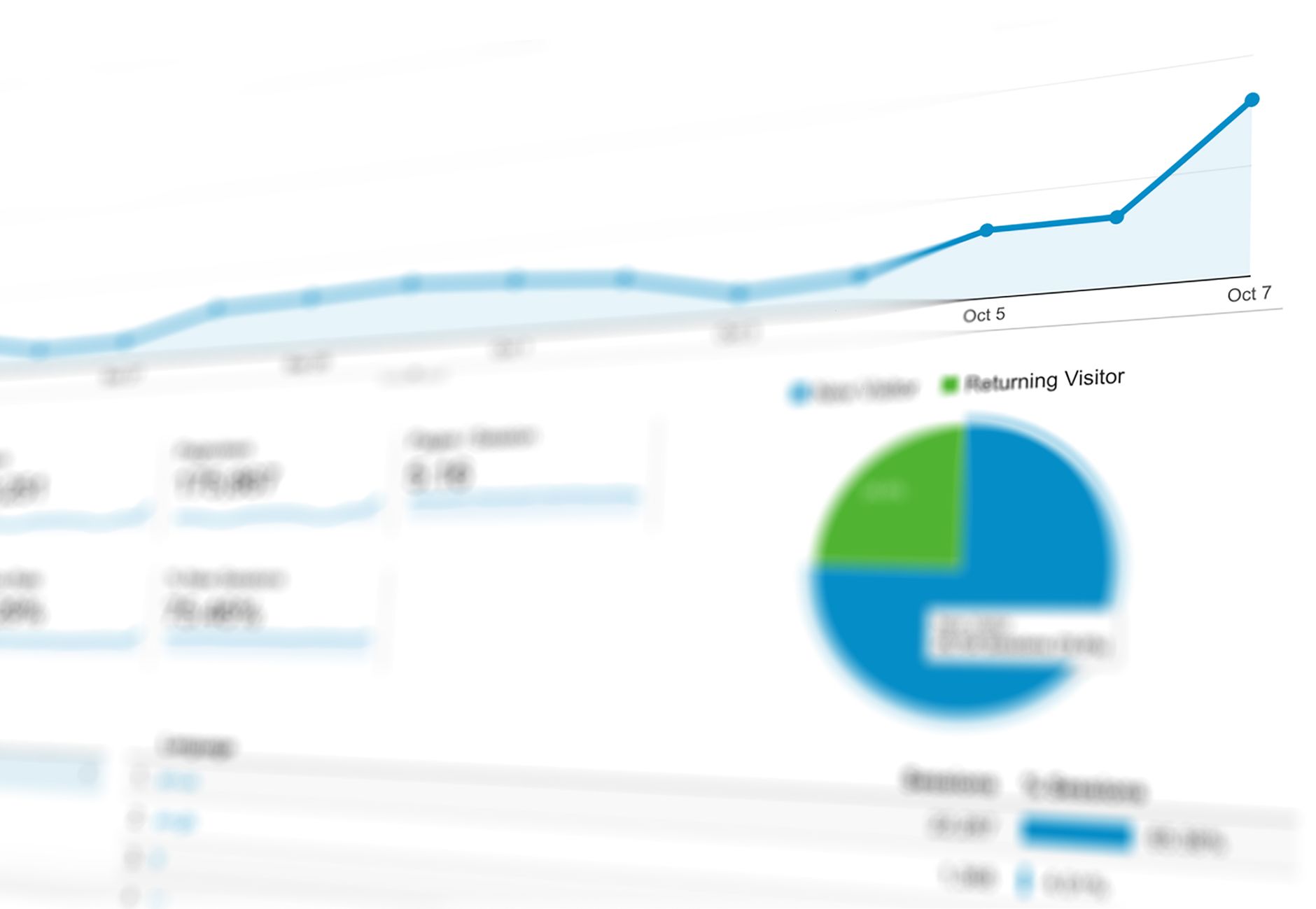
Prioritization Signals That Beat Upvotes
Upvotes reward loud features and hide quiet checkout failures. Weight signals that correlate with churn and support cost.
FeedBlox attaches client debug on every plan so you can cluster by error signature, not just comment text.
- Multiple reports on the same URL or flow in seven days
- Negative sentiment on paid features or checkout
- Reports including the same API 500 or JS error signature
- Metadata clustering (same plan tier or workspace size)
- Support volume on the same topic outside the widget
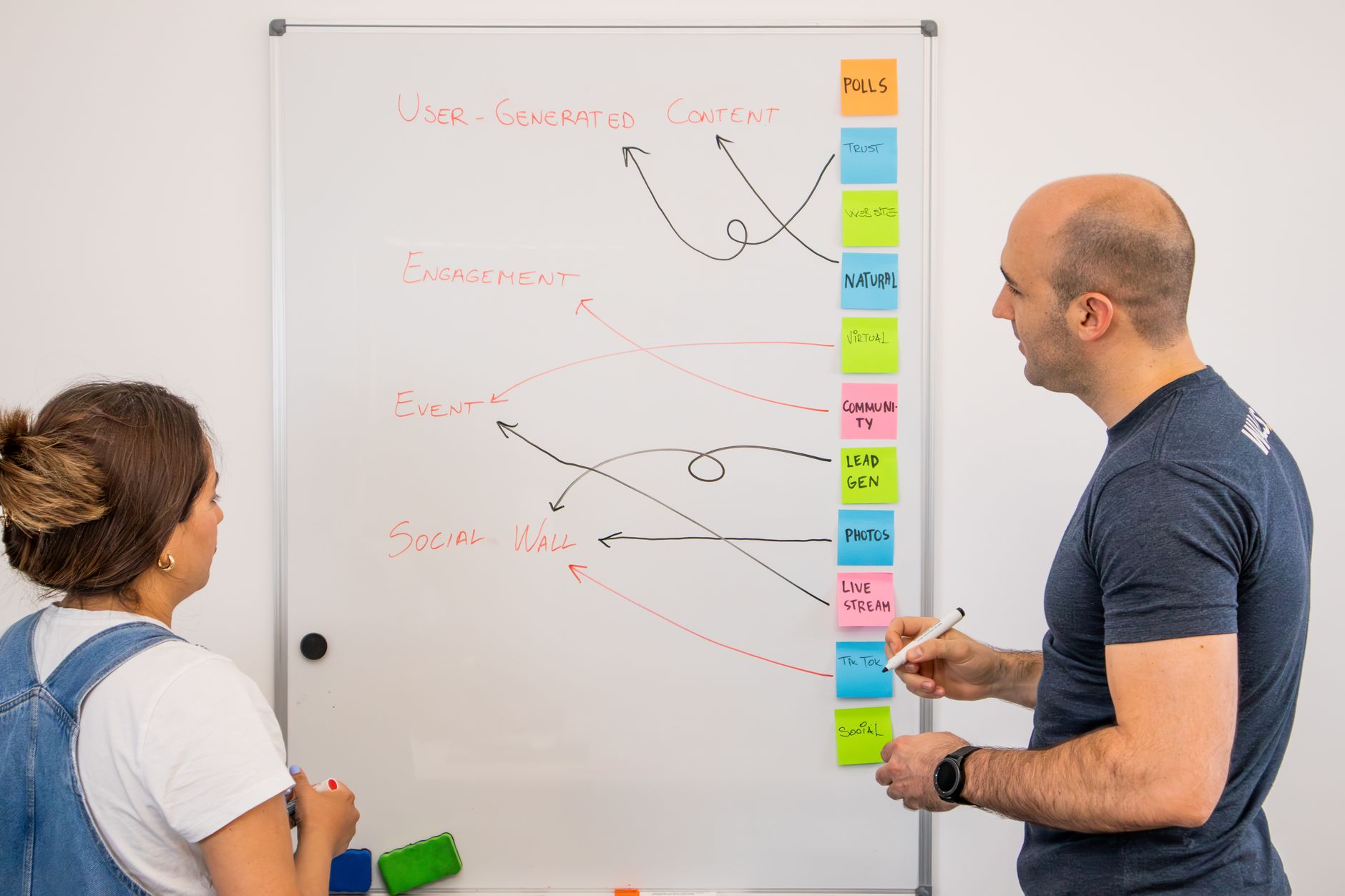
Weekly Product Review Ritual
- Filter inbox to neutral and negative from the last week
- Group by tag or repro pattern (same URL, same console error)
- Pick one or two fix targets for engineering
- Archive noise with a short reply template
- Move validated feature themes to your roadmap doc - not automatically public

When a Public Roadmap Still Helps
Publish a roadmap when you have committed dates and want to reduce duplicate requests. Until then, a private inbox plus changelog posts often reduces noise faster than opening voting.
Name where roadmap tools win: public voting, status pages, and customer-facing commitment. Name where capture wins: in-context reports with console, network, and trail data on Free.