Reproduce From the Report Itself
The console errors, failed requests and click trail from that visitor's browser ride along with every submission. On Free, Pro and Max.
New accounts get 30 days of Pro free. No credit card. Start Free
Visitors report what broke on your live site. Each report arrives with the console errors, failed requests, and click trail from their browser, so you reproduce the bug without a follow-up email.
Start with 30 days of Pro free, no credit card. Then Free forever: 3 sites, 150 reports/month.
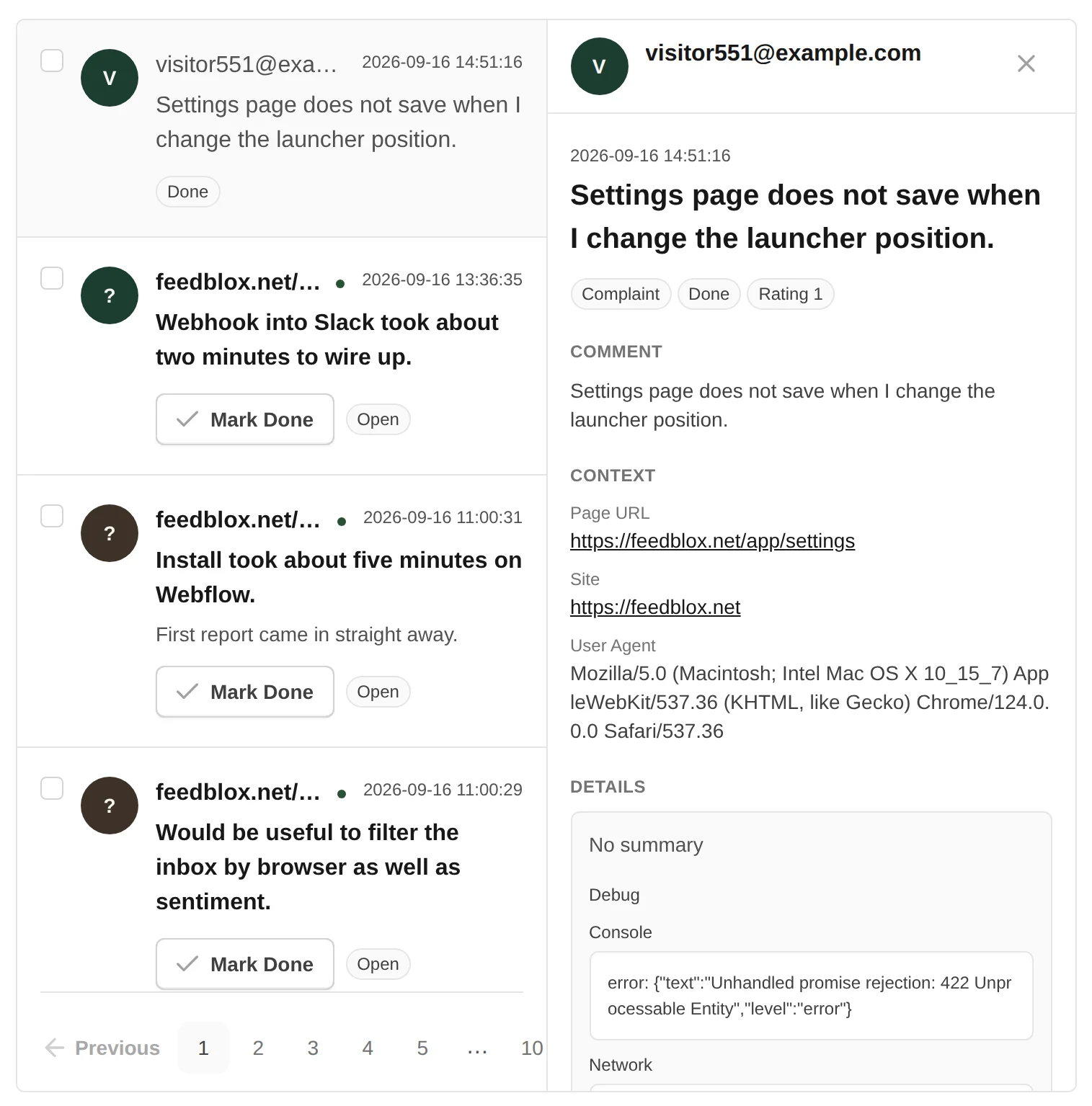
You know something went wrong. You do not know which browser, which page, or which request failed. So you email the visitor, wait a day, and ask them to record their screen.
FeedBlox attaches what the browser saw at that moment to the report itself. The answer arrives with the complaint.
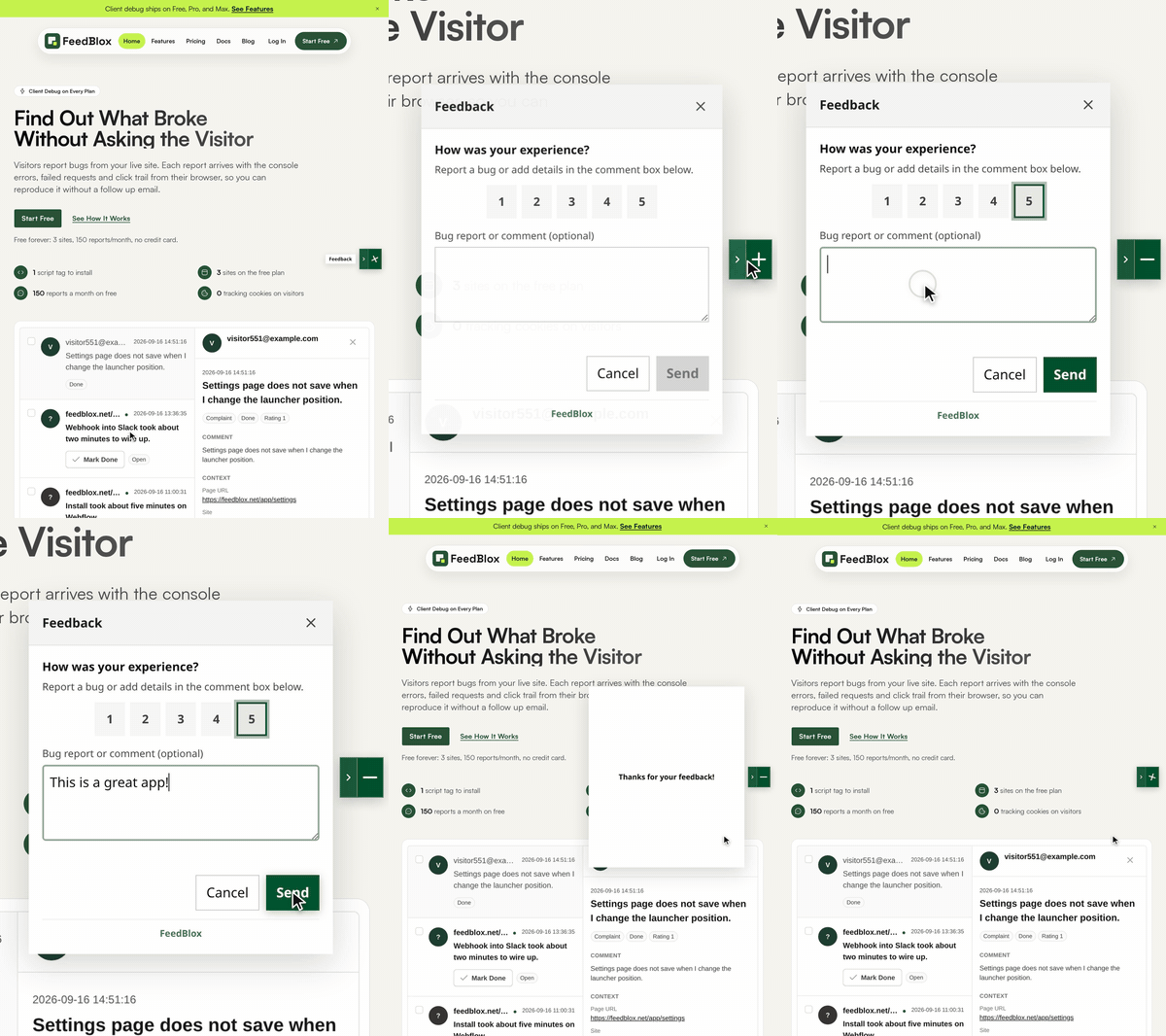
This page runs the real FeedBlox widget. Apply the coupon and the page fails the way a real bug does: a console error, a failed request and an uncaught exception.
The widget opens on the error. Send the report and all three go with it, without you copying anything from DevTools. That is what lands in your inbox when a visitor on your site hits a bug.
Order Summary
That Bug Was Staged. Now Report It.
The FeedBlox widget on this page just opened. Send a report and it carries what happened in this tab:
console.error Coupon service rejected LAUNCH20POST /demo/coupon failed with a 4xx statusTypeError reading discount of undefinedThe widget did not load here, probably because an ad or script blocker stopped it.
Every report arrives with the console errors, the failed requests and the click trail, so you stop guessing and start fixing.
The console errors, failed requests and click trail from that visitor's browser ride along with every submission. On Free, Pro and Max.
One launcher sits on your live pages. Visitors say what they like, what they want and what is broken, without hunting for a contact form.
Every message lands in one place with the page URL, the browser and a status, so nothing scatters across email, chat and issue trackers.
Screenshots and 30 second recordings on Pro and Max, plus signed webhooks into Slack, Linear or your own endpoint.
Create an account, add your domain and confirm you own it. You start on Pro for 30 days. No credit card at any point.
Copy the async snippet from your dashboard into your site. It loads after your own code and adds the launcher.
Feedback arrives in your inbox with the browser context already collected. Set a status, or push it to Slack or Linear.
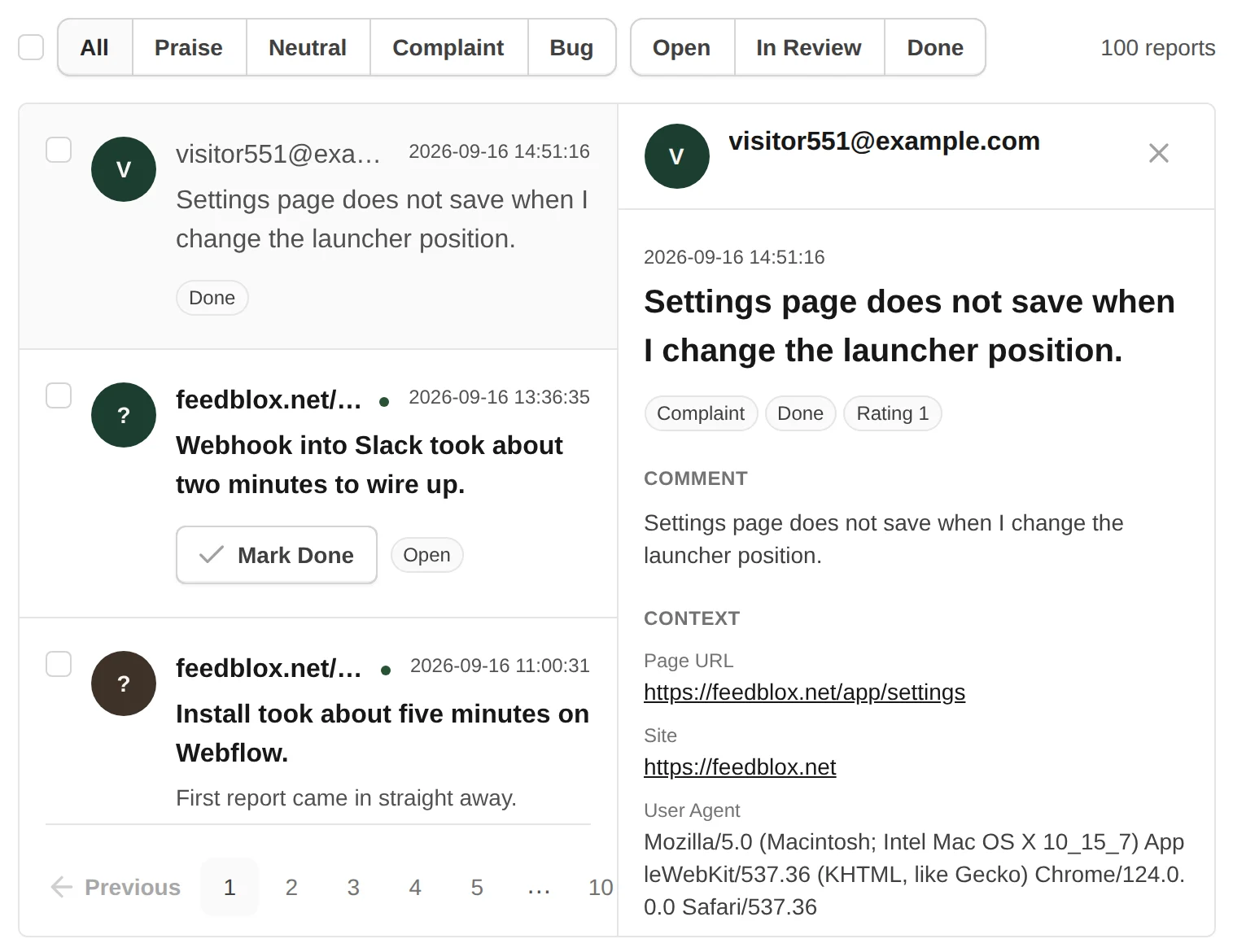
No extra setup and no upgrade required. Every plan collects the same context at the moment the visitor hits send.
Ship without losing hours to vague bug reports. Client debug rides along so founders and the first engineer can reproduce from the inbox.
Find the bug from the report itself. Console errors, failed requests, and clicks are already there, so nobody has to record their screen.
Point Max at multiple client sites with client debug on every report and roles per site. See the agency page for multi-site setup.
There is no public board where people post ideas and vote. Feedback comes straight to you, and only you see it.
FeedBlox does not watch your servers. It shows what happened in the visitor's browser. Keep a tool like Sentry for the server side.
We do not have the security paperwork large companies ask for. If your company needs months of review before you install anything, FeedBlox is too early for you.
Start with 30 days of Pro free, no credit card. Then Free forever: 3 sites, 150 reports/month.
Yearly is two months free.
Free for Solo Founders
$0 /mo
Where every account lands after its 30 days of Pro, unless you upgrade.
Pro for Shipping Teams
$9 /mo
Every new account starts here for 30 days, free. No credit card.
The 30 day trial needs no card and never charges you. Launch pricing: keep $9/mo while subscribed. Standard $19/mo for new signups later.
Max for Heavy Capture
$49 /mo
For teams with heavier media.
Install, privacy, debug data, and what each plan costs. Read the Full FAQ for billing, security and MCP details.
Create an account, verify your site, and send yourself a test report. Start with 30 days of Pro free, no credit card. Then Free forever: 3 sites, 150 reports/month.
No credit card required


